
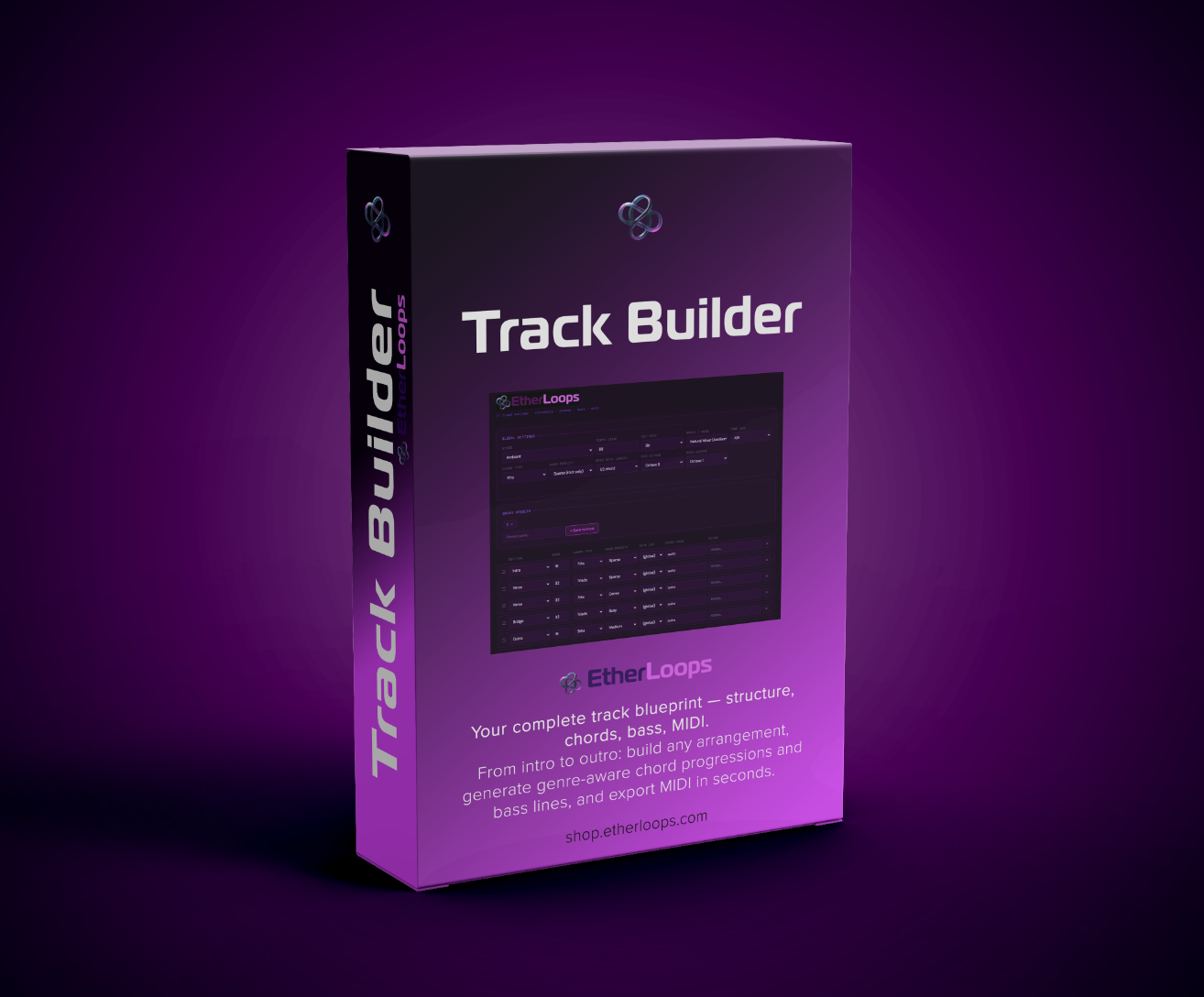
Track Builder by EtherLoops
Describe the track. Get the skeleton.
Track Builder turns a blank DAW into a real starting point in a minute. Tell it the genre, key and scale, lay out the sections — intro, verse, chorus, bridge, drop, outro — and it writes an in-key chord progression for every section, a matching bass line, and an atmospheric pad layer, then exports them as Standard MIDI Files you drag straight into Bitwig, Ableton, FL Studio, Logic, Cubase, Reaper or Pro Tools.
It solves the blank-canvas problem: instead of staring at an empty arrangement, you start with a musically correct skeleton and produce on top of it.
No installation. No subscription. No account. No internet connection, ever. Track Builder is a single HTML file that runs entirely in your browser, on your machine.
Two ideas underpin everything
A genre preset sets the whole board. Pick Deep House or Cinematic and the tempo, scale, time signature, chord style and a genre-typical arrangement template land together. Press ⚡ Generate all and it re-rolls tempo, key, scale, chords and bass inside that genre's style — keep pressing until something inspires you.
Every note is in your scale, by construction. Chords are built by stacking scale steps rather than fixed semitone intervals, and every bass note is forced to a scale degree — so a wrong note isn't merely discouraged; it's unavailable. That's what lets 5-note pentatonics, 6-note whole-tone and 8-note diminished scales run through the same machinery as ordinary major and minor, and it's why chord names now read the way a musician would write them: A♭maj7 in C minor, not G#7.
New in this version
- Chord names that match the music — named from the notes each chord actually contains and spelled for the key.
- → Driftline — hand any section's progression (or the whole track) to Driftline, the EtherLoops melody maker, in one click. Key, scale, tempo, and every chord arrive together.
- A calmer, more readable interface in the neutral dark style shared by all EtherLoops apps.
- Fully offline from the first open — no web font, no network, nothing.
What's inside
35 genre presets across 7 families
Electronic (7) — Techno · House · Deep House · Trance · Drum & Bass · Dubstep · Synthwave
Ambient / Chill (10) — Ambient · Dark Ambient · Psybient / Psychill · Downtempo · Chillout · Chillwave · Meditative / Drone · Space Music · New Age · Binaural / Healing
Hip Hop / R&B (4) — Lo-Fi Hip Hop · Hip Hop / Trap · R&B / Soul · Drill
Rock / Metal (4) — Rock · Metal · Punk · Indie / Alternative
Jazz / Blues (3) — Jazz · Blues · Funk
Classical / Cinematic (3) — Cinematic · Classical · Neoclassical
World (4) — Latin · Afrobeat · Flamenco · Middle Eastern
Each preset carries its own tempo range, scale pool, chord styles, and arrangement template, so the same genre gives you a different — but stylistically consistent — skeleton every time.
20 scales and modes
Common — Major · Natural Minor · Harmonic Minor · Melodic Minor
Modes — Dorian · Phrygian · Lydian · Mixolydian · Locrian · Phrygian Dominant · Lydian Dominant · Super Locrian (Altered)
Pentatonic — Major Pentatonic · Minor Pentatonic · Blues
Exotic — Whole Tone · Diminished · Augmented · Hungarian Minor · Double Harmonic · Japanese (In)
9 chord types
Triads · Stacked 4ths · 7ths · 9ths · 11ths · 13ths · Sus2 · Sus4 · Power chords — set globally, or overridden per section for contrast (triads in the verse, 9ths in the chorus).
The arrangement, section by section
- 14 section types — Intro · Verse · Pre-Chorus · Chorus · Post-Chorus · Breakdown · Bridge · Drop · Buildup · Outro · Interlude · Hook · Solo · Custom — each with its own curated progression (the "hit" cadence for the chorus, rising tension for the pre-chorus, suspension for the breakdown)
- Any length in bars, any order — drag rows to rearrange, add as many sections as the track needs
- Chord change — auto (four chords spread across the section) or every 1, 2, 4, 8 or 16 bars, globally or per section, so long sections keep moving
- A timeline map of the whole track with bar numbers, and a chord & bass preview showing every chord and its notes before you export
- Stats — total bars, duration at tempo, sections, beats
Real harmonic control
- All 17 key spellings, and six time signatures — 4/4, 3/4, 6/8, 2/4, 5/4, 7/8 — carried into the MIDI
- Progressions stored as scale degrees, so the shape of a section survives every change of key or scale
- Per-section memo field for notes to yourself — never affects the music
The bass line
- Five densities — Sparse (root only) · Simple (root and 5th) · Medium (root–5th–octave–5th) · Dense (walking, with a leading tone) · Busy (full scale run)
- Note length from a full chord down to 1/32 of it, globally or per section
- Bass and pad octaves set independently
Three exports, one skeleton
- Pad MIDI — every chord held for its full length; for piano, keys, pads, strings
- Bass MIDI — the bass line, driven by the chord roots and your density
- Atmos MIDI — the same chords, but each note enters at a random offset and holds for a random length: drones, fragments, evolving texture. Every click re-randomizes, so export a few takes and pick one
- TXT — a plain-text chart of the arrangement for notes or live use
- Split by section — each section as its own named clip (Pad — Verse 1 [bar 17]), or one combined track with markers, already at song time
Works with Driftline
If you own Driftline, press → Driftline on any section's first chord card — or in the export row for the whole track — and the progression opens in Driftline with a melody written over it. Driftline can also read the chords straight out of your Pad and Atmos MIDI exports. Either app works fully on its own.
Saved presets
Save a complete setup — every global setting plus the full section list — under a name and recall it with one click. Presets live in your browser and survive reloads.
Who it's for
- Producers who stall at the empty arrangement and want a musically correct skeleton to build on
- Beatmakers and songwriters who know the vibe but not the chords
- Anyone writing in Lydian, Phrygian Dominant or Hungarian Minor who doesn't want to hand-check every note
- Film, game and wellness creators who need a full-length harmonic bed quickly
- Driftline owners who want the progression and the melody from one workflow
Works with every DAW
Bitwig Studio · Ableton Live · FL Studio · Logic Pro · Cubase · Reaper · Pro Tools · GarageBand — anything that opens a .mid file. Split-by-section export was designed with Bitwig's clip workflow in mind; the combined export carries section markers for DAWs that show them on the ruler.
Fully offline. Fully yours.
Nothing is recorded. Nothing is uploaded. Track Builder never touches the network — not even for a font. There is no account and no cloud sync, by design: your presets live in your own browser's local storage. The MIDI you export is yours: no royalties, no attribution, no strings attached.
System requirements
- OS: Windows · macOS · Linux · ChromeOS
- Browser: Chrome, Edge, Firefox, Safari, Brave or Opera (last 3 years)
- Internet: Not required — not even for the first open
- Install: None — save the file and double-click it
- RAM: 2 GB free or more
What you get
- Track Builder app — single HTML file (~110 KB, everything bundled in)
- PDF user manual — full reference covering every control, with a DAW import guide, tips and an FAQ (September 2026)
- All 35 genre presets, 20 scales, 9 chord types and 14 section types
- Unlimited MIDI exports — Pad, Bass, Atmos and TXT, no caps, no watermarks
- Lifetime access to this version
- Free updates to future versions (when released) — this release was a free update for every existing Track Builder customer
Happy producing. — EtherLoops
track builder, MIDI tool, chord progression generator, song structure template, bass line generator, music production tool, arrangement tool, DAW tool, MIDI export, music producer resource, beatmaking, FL Studio, Ableton, Logic Pro, Bitwig, Cubase, standalone music tool, browser-based music tool, no-install music tool, offline music tool, HTML music tool