
Trellis — Song Structure & Arrangement Builder for Ambient, Chill & Psy (Bitwig · MIDI for every DAW)
Describe the track. Open the arrangement.
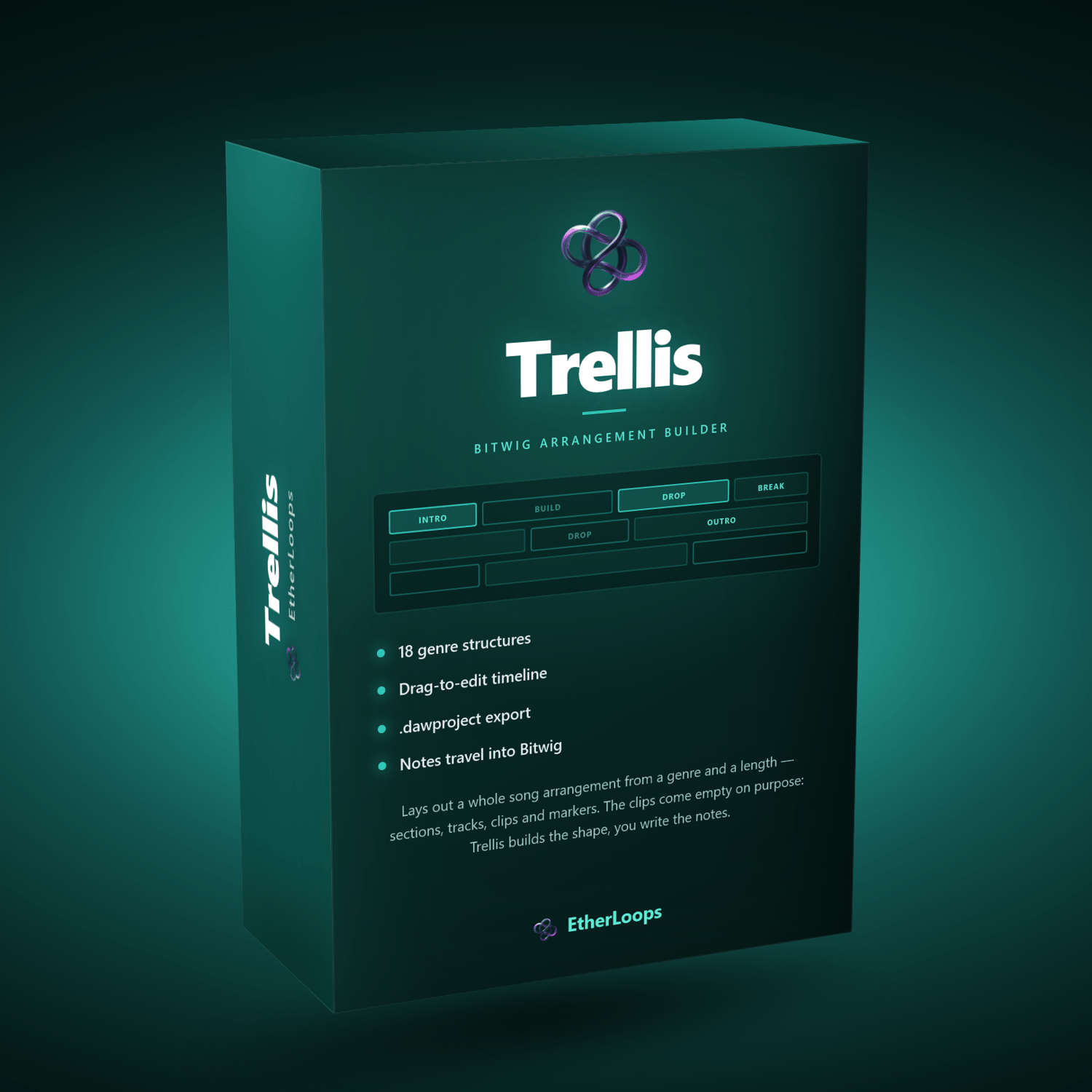
Trellis builds the scaffold of a track — not the music. Pick a genre and a length, press one button, and it lays out the sections that genre runs through, creates the tracks that genre uses, and fills the timeline with clips showing when every part enters, how busy it gets, and when it drops away. Then you download one file, open it in your DAW, and start writing into a structure that already makes sense.
Sketching a four-minute arrangement by hand — markers, empty tracks, a rough idea of where the breakdown goes — is slow and fiddly. Describing it takes thirty seconds. Trellis closes that gap.
Built for Bitwig Studio first, where the .dawproject file arrives with tracks, colours, clips, markers, mixer settings and a production note in every track's inspector. Every other DAW gets the same arrangement as a Standard MIDI File plus a printable arrangement sheet.
No installation. No subscription. No account. No internet connection, ever. Trellis is a single HTML file that runs entirely in your browser, on your machine.
Two ideas underpin everything
A genre configures the whole arrangement in one click. Pick Psydub and you get its six sections — Intro, Bass & Skank Entry, Build / Layering, Peak / Dub Drop, Breakdown (Dub Echo), Outro — its six tracks, its tempo, and a clip layout that matches how the genre actually behaves. Pick Sleep Music and you get five long, sparse sections at 50 BPM. The twenty-two genres are not stylistic labels on the same template; each carries its own map — sections, proportions, tracks and the way parts enter and leave.
The clips are deliberately empty of music. Every clip is one repeated note at a density that shows how busy the part is. The point is to see the arrangement. Real notes get written in your DAW, where you can hear them.
New in this version
- Every genre has its own arrangement map. Earlier versions shared four maps across all genres; now each of the 22 carries its own section list, section proportions, track list and production notes. Two genres in the same family no longer come out alike.
- Four new genres — Neoclassical Ambient, Berlin School, Trip Hop and Dub Techno.
- Parts enter and leave the way the genre does. Drums cut out a phrase before every breakdown so there is a gap rather than a cliff; a second sequence arrives a phrase into the build; a lead waits out the peak downbeat. Breakdowns sit after the peak, before it, or not at all, depending on the genre.
- Density that reaches "driving". Sequencer-led genres (Berlin School, Space / Cosmic, IDM / Glitch) run at eight notes per bar at their peak; the wellness genres never leave one or two.
- Download .mid — a Standard MIDI File with tempo, time signature, one named track per Trellis track, the placeholder clips, section markers and the production notes as text events. Ableton Live, Logic Pro, FL Studio, Reaper, Cubase, Studio One — anything that imports MIDI.
- Arrangement sheet .pdf — a printable A4 page: the sections × tracks grid in the track colours, a section table with bars and clock times, every production note, and a short rebuild guide for whichever DAW you are in.
- The user manual has been rewritten for all of this and comes as a PDF.
What's inside
22 genres in 4 families, each with its own map
Ambient (8) — Classic / Pure Ambient · Melodic Ambient · Drone Ambient · Dark Ambient · Space / Cosmic · Ambient Electronic · Neoclassical Ambient · Berlin School
Chill / Electronic (6) — Chillout · Chill Ambient · Lo-fi Ambient · Ambient Beats · Trip Hop · Dub Techno
Psy / IDM (4) — Psybient · Psychill · Psydub · IDM / Glitch
Wellness (4) — Meditation · Yoga · Sleep Music · Mindfulness / Breathwork
Each map sets the tempo range, five to seven named sections and their share of the song, five to seven tracks with names, colours, MIDI keys and a production note each, how busy every track is in every section, and where parts arrive late or leave early.
Generate, then edit
One click lays out everything, scaled to the length you typed — in bars or minutes. Sections snap to 8-bar phrases whenever the song is long enough. Intensity (gentle · balanced · intense) shifts every clip a step softer or busier without touching the structure. Regenerating keeps the colours, keys and notes you changed on tracks with the same name.
Then everything is editable: drag clips to move them, drag their edges to resize, drag on empty space to create, double-click to cycle density, drag markers in the ruler, rename anything. One Ctrl+Z undoes any of it, including Generate.
A live arrangement view
The timeline shows exactly what will be written to the file — sections in the ruler, clips in the track colours, densities as note strokes — and zooms with the wheel or the keyboard. Below it, a text summary renders the whole arrangement as one character per bar, ready to paste into notes or a message.
Production notes that travel
Every generated track carries a short note on the sound — "Tape delay with the feedback automated. This is the genre's voice." — written for that genre. In Bitwig it lands in the track inspector; in the MIDI file it is a text event; on the arrangement sheet it is printed under the track. Edit them freely; they survive regeneration.
Three ways out
- .dawproject — for Bitwig Studio, PreSonus Studio One and Steinberg Cubase / Nuendo. Tracks with names, colours and order, every clip with its notes, tempo and time signature, section markers, mixer volume and pan, production notes in the inspector.
- .mid — Standard MIDI File, type 1, for every other DAW. Tempo, time signature, one track per Trellis track with the placeholder clips, a marker per section, and the notes as text.
- Arrangement sheet .pdf — one or two A4 landscape pages: the grid, the section table with start/end bars and clock times, the production notes and a rebuild guide. For collaborators, for printing, for DAWs that ignore MIDI markers.
Presets, saves and autosave
Save any arrangement as a named preset inside the browser for reuse — "8-minute psydub", "short ambient bed". Save the real thing as a .json file on disk and reopen it any time, on any machine. Trellis also autosaves as you work, so closing the tab loses nothing.
What it does not do
Trellis writes structure, not music: no melodies, no chords, no grooves. Bitwig's .dawproject importer discards instruments, so tracks arrive empty in every DAW — the production note tells you what to load. Ableton Live does not read markers from MIDI files; the arrangement sheet's section table is there for adding locators by hand.
Who it's for
- Ambient, psybient, chill and downtempo producers who stall at the empty arrangement
- Anyone who finishes loops but not tracks
- Producers moving between DAWs who want one plan they can open anywhere
- Wellness and meditation creators who need long-form structures that breathe
- Bitwig users who want sections, tracks and markers laid out before the first note
- Track Builder and Driftline owners who want the skeleton their chords and melodies go into
Works with every DAW
Native: Bitwig Studio · Studio One · Cubase / Nuendo (.dawproject).
Via MIDI + sheet: Ableton Live · Logic Pro · FL Studio · Reaper · Reason · Ardour · Pro Tools — anything that imports a .mid file.
Trellis was designed with Bitwig ambient work in mind and is tested against Bitwig Studio 6.
Fully offline. Fully yours.
Nothing is recorded. Nothing is uploaded. Trellis never touches the network — not even for a font. There is no account and no cloud sync, by design: your autosave and presets live in your own browser's local storage, your .json files on your own disk. Every arrangement you make is yours: no royalties, no attribution, no strings attached.
System requirements
- OS: Windows · macOS · Linux · ChromeOS
- Browser: Chrome, Edge or Firefox (last 3 years)
- Internet: Not required — not even for the first open
- Install: None — save the file and double-click it
- RAM: 2 GB free or more
What you get
- Trellis app — single HTML file (~270 KB, everything bundled in)
- PDF user manual — full reference covering every control, with a recommended workflow, tips and an FAQ (September 2026)
- All 22 genre maps, three export formats, unlimited downloads — no caps, no watermarks
- Lifetime access to this version
- Free updates to future versions (when released) — this release was a free update for every existing Trellis customer
Happy producing. — EtherLoops