
Driftline — Melody Maker for Ambient, Chill & Psy Producers
Give it your chords. It writes the melody.
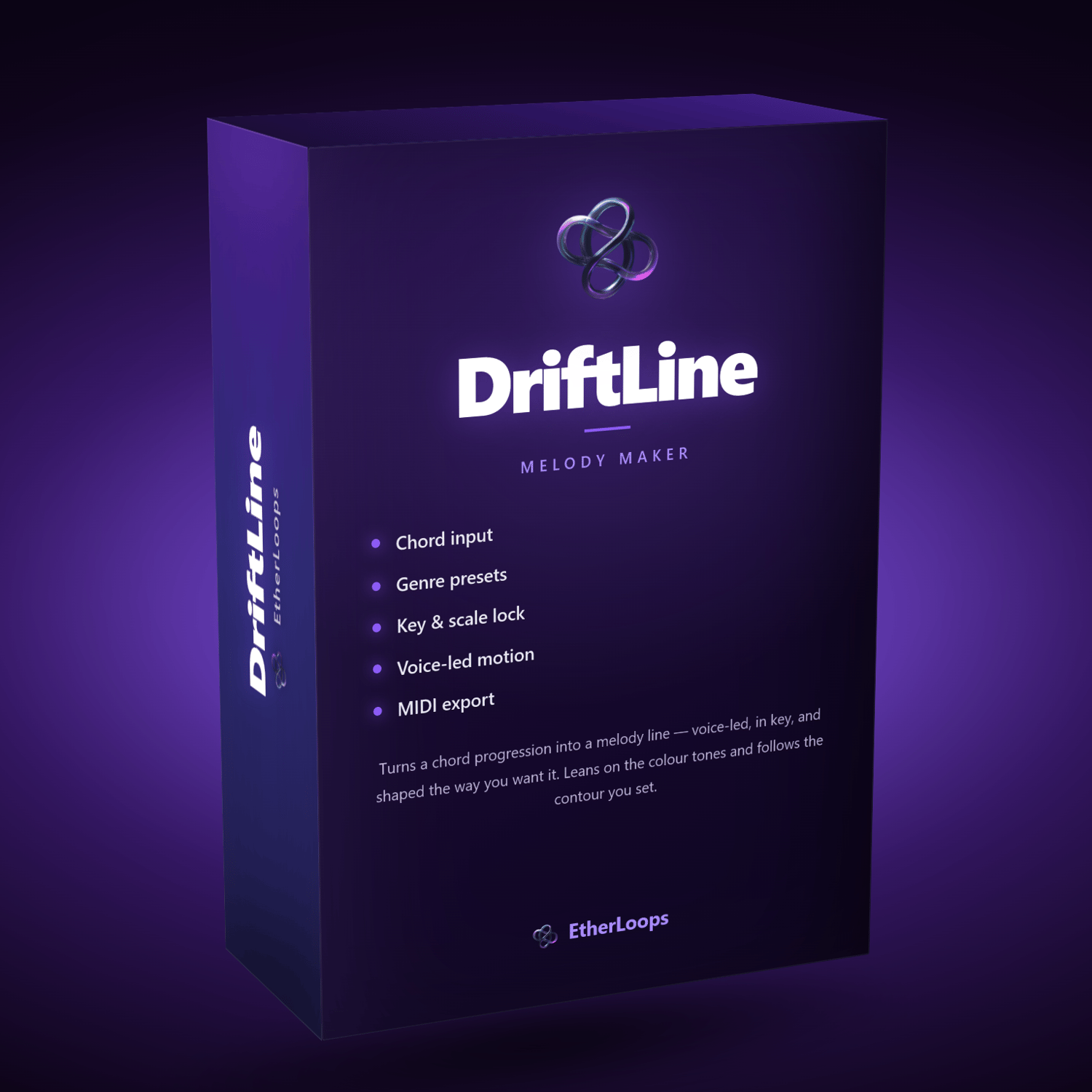
Driftline turns a chord progression into a melody line — voice-led, in key, and shaped the way you want it. Pick a genre, choose a key and scale, drop in a few chords, and Driftline writes a line that leans on the colour tones, moves smoothly from chord to chord, and follows the contour you set. Or let it restate one motif across the whole progression, run an arpeggio through every chord, or draw its rhythm from a mix of note lengths you dial in yourself.
Lock the notes you love, re-roll the rest — one note, one chord, or everything but the notes you kept. Then export a Standard MIDI File and drag it straight into Bitwig, Ableton, FL Studio, Logic, Cubase, Reaper, or Pro Tools.
Built for ambient and meditative lines first — sparse, breathing, well-voice-led — but every control is exposed, so it writes busy, wide-range lines in any style just as happily.
No installation. No subscription. No account. No internet connection, ever. Driftline is a single HTML file that runs entirely in your browser, on your machine.
Two ideas underpin everything
A genre preset configures the whole generator in one click. Pick Psybient or Jazz and the tempo, scale, time signature, chord voicing, contour, note rate, register, all four shaping sliders and a chord progression land together, idiomatically. Pick the same preset again for a fresh take on the same style.
Every chord Driftline offers is in your scale, by construction. Chords are built by stacking scale steps rather than fixed semitone intervals — so a wrong note isn't merely discouraged; it's unavailable. That's what lets 5-note pentatonics, 6-note whole-tone and 8-note diminished scales run through the same machinery as ordinary major and minor.
New in this version
- Sequence — write one short motif and restate it on every chord, transposed to the harmony. Motif length: one chord, ½, 1 or 2 bars.
- Arp run contours — five arpeggiator-style contours (up, down, up-down, down-up, random order) that walk strictly through the chord tones.
- Note length mix — set the share of each note value in percent, from whole notes to sixteenths, dotted and triplet values included, with one-click presets and a readout of what actually came out.
- Re-roll one chord — a ↻ on every chord writes a fresh rhythm and pitches over that chord only.
- Lock all / Unlock all / Invert and drag-a-box locking — keep most of a take and re-roll just the notes you point at.
- Chords from .mid — read the chords out of any chord track (including Track Builder's Pad and Atmos exports) and write a melody over them.
- Track Builder hand-off — one click in Track Builder sends a section's progression into Driftline, key and all.
- A calmer, more readable interface in the neutral dark style shared by all EtherLoops apps, and a piano roll that shows your pitch range.
What's inside
35 genre presets across 7 families
Ambient / Chill (10) — Ambient · Dark Ambient · Psybient / Psychill · Downtempo · Chillout · Chillwave · Meditative / Drone · Space Music · New Age · Binaural / Healing
Electronic (7) — Techno · House · Deep House · Trance · Drum & Bass · Dubstep · Synthwave
Hip Hop / R&B (4) — Lo-Fi Hip Hop · Hip Hop / Trap · R&B / Soul · Drill
Rock / Metal (4) — Rock · Metal · Punk · Indie / Alternative
Jazz / Blues (3) — Jazz · Blues · Funk
Classical / Cinematic (3) — Cinematic / Orchestral · Classical · Neoclassical
World (4) — Latin · Afrobeat · Flamenco · Middle Eastern
Each preset holds a pool of idiomatic values rather than one fixed setting, so the same genre gives you a different — but stylistically consistent — starting point every time.
21 scales and modes, plus a chromatic escape hatch
Common — Major (Ionian) · Natural Minor (Aeolian) · Harmonic Minor · Melodic Minor
Modes — Dorian · Phrygian · Lydian · Mixolydian · Locrian · Phrygian Dominant · Lydian Dominant · Super Locrian (Altered)
Pentatonic — Major Pentatonic · Minor Pentatonic · Blues
Exotic — Whole Tone · Diminished (HW) · Augmented · Hungarian Minor · Double Harmonic · Japanese (In)
Any / Chromatic — turns the key filter off entirely
9 chord voicings
Triads · Stacked 4ths · 7ths · 9ths · 11ths · 13ths · Sus2 · Sus4 · Power chords — stamped across the whole progression or set per chord row.
Real harmonic control
- All 17 key spellings, spelled correctly for the key you pick (F major shows B♭, not A♯)
- Six time signatures — 4/4, 3/4, 6/8, 2/4, 5/4, 7/8 — with accents that follow the meter, and 6/8 treated properly as compound
- Progressions stored as scale degrees, so a I–vi–ii–V stays a I–vi–ii–V in every key and every mode
- Change the scale and your progression is re-fitted, not discarded
- Progressions in from three directions: type them in, hand them over from Track Builder, or read them out of a MIDI file
Rhythm you can actually dial in
- Note rate — Free (16ths), absolute 1/1, 1/2, 1/4, 1/8, 1/16 values that re-align to every bar line, or Mix: your own percentages across ten note values (whole to sixteenth, dotted and triplet), with a share bar, a live total and presets — even, slow, balanced, busy, triplet
- Articulation — Legato, Exact or Staccato, independent of the rate
- Quantize — 1/4 through 1/32 plus 1/4, 1/8 and 1/16 triplet grids, with a Q-strength slider for partial snap
- Chord change — every 1/2, 1, 2, 4 or 8 bars, or per-chord manual lengths
Melody shaping
Density · Rest probability · Passing notes · 3rd / 7th emphasis · 13 contours — Arch, Valley, Ascending, Descending, Wave, Pendulum, Zigzag, Random, and five Arp runs (up, down, up-down, down-up, random order) · Sequence — one motif restated on every chord, transposed · melody octave 2–6 or an exact MIDI pitch-range override, shown on the roll.
Lock and vary — the core loop
Every melody is seeded, so the same seed and settings always give the same line. Generate takes a fresh seed and writes something completely new. Variation advances the seed by one and re-picks only the unlocked notes, keeping your rhythm and your keepers intact — and locked notes feed the voice-leading of their neighbours, so the new notes lead smoothly into and out of them.
Click a note in the piano roll to lock it, drag a box to lock a region, or Lock all and unlock the few you want changed. Invert swaps the two. And when one chord is the problem, its ↻ re-rolls that chord alone. Lock the phrase that works, re-roll the rest, repeat until the whole line sings.
Piano roll preview and 5 playback voices
The roll shows the melody over shaded, labelled chord regions with bar lines that follow your meter, the pitch range you set marked on the vertical axis, a lock counter, a ↻ on every chord, and a playhead that sweeps as it plays. Audition through Pluck, Harp (soft), Marimba, Bell, or Pad — switching voices mid-playback re-triggers instantly so you can compare.
Works with Track Builder
If you own Track Builder, the two apps hand progressions to each other. Press → Driftline on a section (or the whole track) in Track Builder, then ⬆ From Track Builder in Driftline — key, scale, meter, tempo and every chord arrive together. Or export a Pad or Atmos MIDI from Track Builder and use ⬆ Chords from .mid: Driftline finds the chords, reads the key from the file name, and writes the melody. Either app works fully on its own.
MIDI export with self-describing filenames
Exports are named after the music they contain, so a folder of takes tells you what's in it and successive exports never overwrite each other:
Driftline_Cmaj_Cmaj7-Am7-Dm7-G7_70bpm_12345.mid
Driftline_Ephrygian_E5-A5-Bno3b5_170bpm_7-8_666.mid
Key and scale, chord symbols, tempo, time signature (when it isn't 4/4), and the seed. Because the seed is in the name, an exported file tells you exactly how to reproduce it — type that seed back in with the same settings and you get the identical melody.
The file carries notes, tempo, and time signature. Your DAW instrument does the rest.
Saved progressions, and a way to move them
Save a complete setup — genre, key, scale, meter, the full progression, every control and the seed — under a name, and recall it whenever. Export every save as one readable JSON file to back them up, carry them to another machine, or share a progression with someone else. Import merges rather than overwrites, so nothing you have is ever lost.
Driftline also auto-saves your last session, so reopening the file picks up exactly where you left off.
Who it's for
- Ambient, psybient, and chill producers who want a melodic starting point instead of a blank piano roll
- Producers who know what chords they want but stall on the top line
- Anyone who wants to write in Lydian, Phrygian Dominant or Hungarian Minor without hand-checking every note
- Wellness and meditation creators who need original, royalty-free MIDI
- Sound designers and film/game composers sketching motifs against a fixed harmony
- Track Builder owners who want a melody over the progression they just built
Works with every DAW
Bitwig Studio · Ableton Live · FL Studio · Logic Pro · Cubase · Reaper · Pro Tools · GarageBand — anything that opens a .mid file.
Drag the exported file onto a MIDI track, assign your favourite pad, pluck, or lead, and it plays exactly as you auditioned it. Driftline was designed with Bitwig ambient work in mind.
Fully offline. Fully yours.
Nothing is recorded. Nothing is uploaded. Driftline never touches the network — not even for a font. There is no account and no cloud sync, by design: your sessions and saved progressions live in your own browser's local storage. The MIDI you export is yours: no royalties, no attribution, no strings attached.
System requirements
- OS: Windows · macOS · Linux · ChromeOS
- Browser: Chrome, Edge, Firefox, Safari, Brave or Opera (last 3 years)
- Internet: Not required — not even for the first open
- Install: None — save the file and double-click it
- RAM: 2 GB free or more
What you get
- Driftline app — single HTML file (~175 KB, everything bundled in)
- PDF user manual — full reference covering every control, with tips and an FAQ (September 2026)
- All 35 genre presets, 21 scales, 9 chord voicings and 13 contours
- Unlimited MIDI exports — no caps, no watermarks
- Lifetime access to this version
- Free updates to future versions (when released) — this release was a free update for every existing Driftline customer
Happy producing. — EtherLoops